






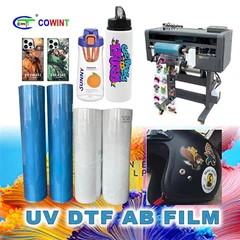
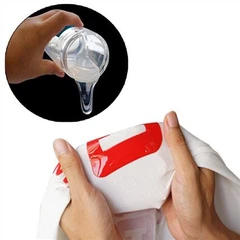


ODM 3D transfer technology has revolutionized the printing and customization industry, offering unparalleled precision and quality in transferring detailed designs onto various substrates. As a leading ODM 3D transfer supplier, we understand the importance of parameter adjustment to achieve optimal results. In this blog post, we'll delve into the intricacies of adjusting parameters in ODM 3D transfer, sharing valuable insights and practical tips to help you make the most of this cutting-edge technology.
Understanding the Basics of ODM 3D Transfer
Before we dive into parameter adjustment, let's briefly review the fundamentals of ODM 3D transfer. This technology involves the use of specialized printers, films, and inks to create high-resolution, three-dimensional images that can be transferred onto a wide range of materials, including textiles, plastics, metals, and ceramics. The process typically consists of the following steps:

- Design Creation: Using graphic design software, create or import the desired design.
- Printing: Print the design onto a special transfer film using a compatible printer and ink.
- Transfer: Apply heat and pressure to transfer the design from the film onto the substrate.
- Finishing: Remove the transfer film and finish the transferred design as needed.
Key Parameters in ODM 3D Transfer
Several parameters play a crucial role in determining the quality and success of ODM 3D transfer. These include:
- Print Resolution: Measured in dots per inch (DPI), print resolution determines the level of detail and sharpness in the printed design. Higher DPI settings generally result in better image quality but may also increase printing time and ink consumption.
- Ink Density: The amount of ink applied to the transfer film affects the color saturation and opacity of the printed design. Adjusting the ink density can help achieve the desired color balance and intensity.
- Transfer Temperature: The temperature at which the design is transferred onto the substrate is critical for ensuring proper adhesion and color transfer. Different substrates and transfer films may require different temperature settings.
- Transfer Pressure: Applying the right amount of pressure during the transfer process helps ensure that the design adheres evenly to the substrate and that the colors are transferred accurately.
- Transfer Time: The duration of the transfer process can also impact the quality of the transferred design. Longer transfer times may result in better adhesion but can also increase the risk of overheating or damaging the substrate.
Adjusting Parameters for Optimal Results
Now that we've identified the key parameters in ODM 3D transfer, let's explore how to adjust them for optimal results.
Print Resolution
When selecting the print resolution, consider the size and complexity of the design, as well as the intended use of the transferred product. For detailed designs or applications that require high levels of precision, such as fine art prints or promotional items, a higher DPI setting (e.g., 1440 DPI or higher) may be appropriate. For larger designs or applications where image quality is less critical, a lower DPI setting (e.g., 720 DPI) can help save time and ink.
Ink Density
Adjusting the ink density can be a bit tricky, as it depends on several factors, including the type of ink, transfer film, and substrate. Start by printing a test pattern with different ink density settings and evaluate the results. Look for a balance between color saturation and ink consumption, and make adjustments as needed. Keep in mind that over-applying ink can lead to smudging, bleeding, or poor adhesion, while under-applying ink can result in dull or faded colors.
Transfer Temperature
The transfer temperature is one of the most critical parameters in ODM 3D transfer, as it directly affects the adhesion and color transfer of the design. Different substrates and transfer films have different temperature requirements, so it's essential to refer to the manufacturer's guidelines for specific recommendations. In general, higher temperatures are required for thicker or more heat-resistant substrates, while lower temperatures may be sufficient for thinner or more delicate materials. When adjusting the transfer temperature, start with a lower setting and gradually increase it until you achieve the desired results. Be careful not to overheat the substrate, as this can cause damage or distortion.
Transfer Pressure
Applying the right amount of pressure during the transfer process is crucial for ensuring that the design adheres evenly to the substrate and that the colors are transferred accurately. Too little pressure can result in poor adhesion and incomplete color transfer, while too much pressure can cause the design to smear or distort. The ideal transfer pressure will depend on the type of substrate, transfer film, and printer being used. Experiment with different pressure settings and evaluate the results to find the optimal balance.
Transfer Time
The transfer time is another important parameter that can impact the quality of the transferred design. Longer transfer times generally result in better adhesion and color transfer, but they can also increase the risk of overheating or damaging the substrate. As with the transfer temperature, refer to the manufacturer's guidelines for specific recommendations, and start with a shorter transfer time and gradually increase it until you achieve the desired results. Keep in mind that the transfer time may also be affected by the transfer temperature and pressure, so it's important to make adjustments in conjunction with these parameters.
Using Quality Materials and Equipment
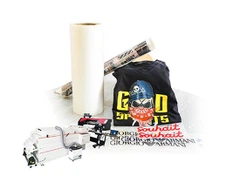
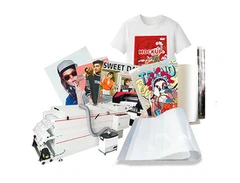
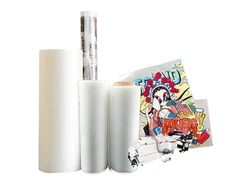
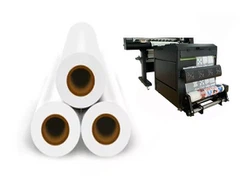
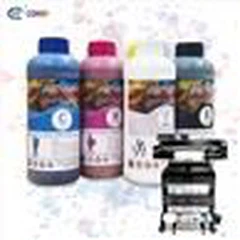
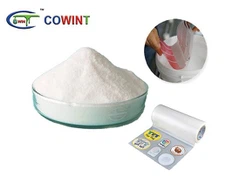
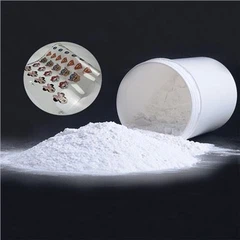
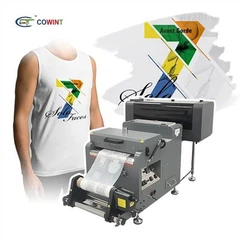
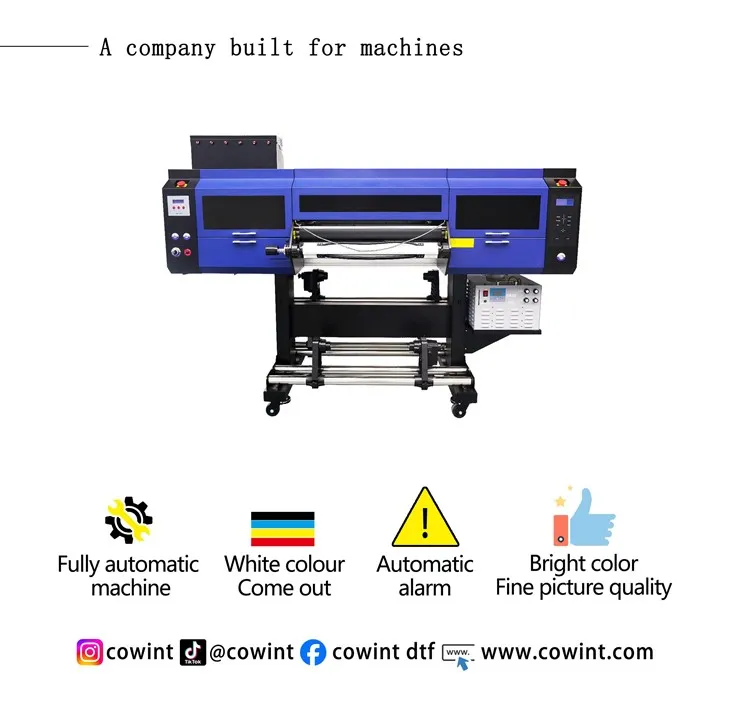
In addition to adjusting the parameters, using high-quality materials and equipment is essential for achieving optimal results in ODM 3D transfer. At our company, we offer a wide range of COLD PEEL SINGLE MATTE DTF FILM and Cowint DTF Film Heat Transfer Direct To Film that are specifically designed for ODM 3D transfer. These films are compatible with a variety of printers and inks and offer excellent adhesion, color transfer, and durability. We also provide KW-UV 603 3 Epson I3200 Printheads UV DTF Printer, which are known for their high precision, reliability, and performance. By using our high-quality materials and equipment, you can ensure that your ODM 3D transfer projects are successful and meet your expectations.
Troubleshooting Common Issues
Even with the best parameters and materials, you may encounter some common issues in ODM 3D transfer. Here are some tips for troubleshooting these issues:
- Poor Adhesion: If the design is not adhering properly to the substrate, check the transfer temperature, pressure, and time. Make sure the substrate is clean and dry before transferring the design, and consider using a primer or adhesive to improve adhesion.
- Color Bleeding or Smudging: If the colors are bleeding or smudging, check the ink density and print resolution. Make sure the ink is fully dry before transferring the design, and avoid over-applying ink. You may also need to adjust the transfer temperature and pressure to prevent the ink from spreading or smudging.
- Faded or Dull Colors: If the colors in the transferred design appear faded or dull, check the ink density and transfer temperature. Make sure the ink is fully cured and that the transfer temperature is high enough to ensure proper color transfer. You may also need to adjust the ink type or brand to achieve the desired color intensity.
- Wrinkles or Bubbles: If the transfer film or substrate develops wrinkles or bubbles during the transfer process, check the transfer pressure and time. Make sure the transfer film is smooth and flat before applying it to the substrate, and use a heat press or roller to apply even pressure. You may also need to adjust the transfer temperature to prevent the film from shrinking or bubbling.
Conclusion
Adjusting the parameters in ODM 3D transfer is a complex but essential process that requires careful attention to detail and experimentation. By understanding the key parameters, using high-quality materials and equipment, and troubleshooting common issues, you can achieve optimal results and create stunning, high-quality transfers. As a leading ODM 3D transfer supplier, we're committed to providing our customers with the latest technology, expert advice, and exceptional customer service. If you have any questions or need assistance with your ODM 3D transfer projects, please don't hesitate to contact us. We'd be happy to help you get started and ensure your success.
References
- Manufacturer's guidelines for ODM 3D transfer printers, films, and inks.
- Industry research and best practices in ODM 3D transfer technology.